
How can I find recent activity?
Finding your recent activity lets you know the tasks that are being performed on your website. Here at Victory Digital, we want to make sure that all of our clients can find out what is going on and why.
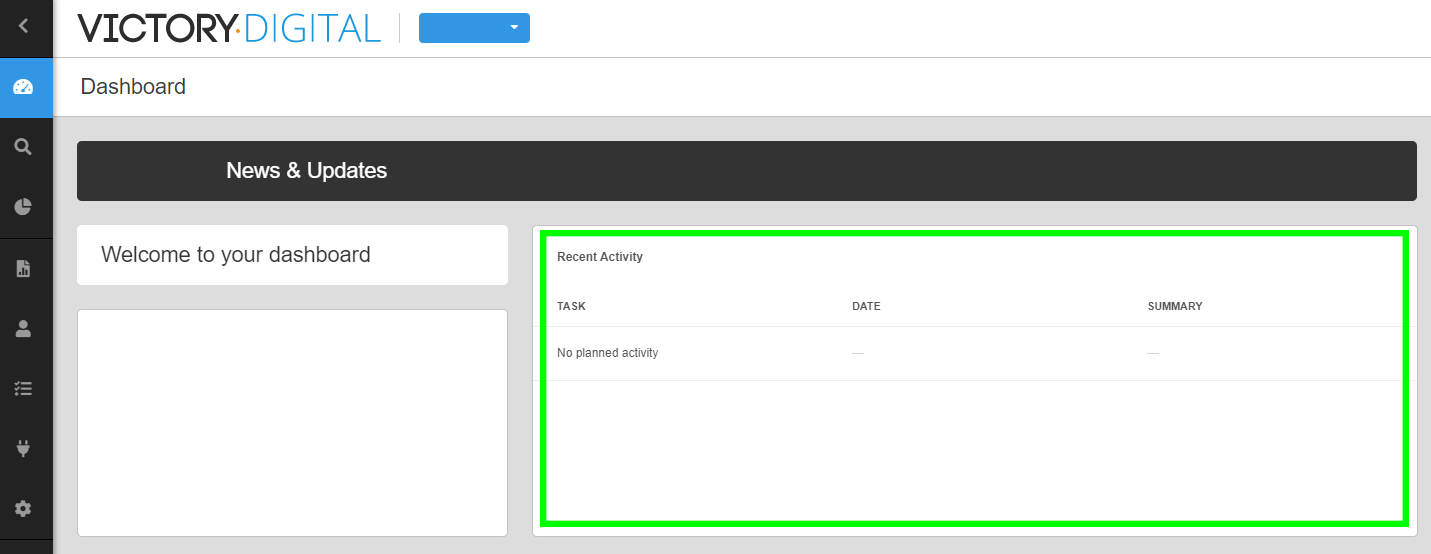
To find the recent activity on your profile, click on your main dashboard (top left) and you will see a recent activity section on the first row.
The recent activity page updates roughly every hour, so you can keep up to date with the activity on your website.
If you need a hand with anything on this page, get in touch with the team at [email protected] and we will help you sort it out.
What are your Feelings?
Share your reaction
Click a reaction to share how useful this article was.