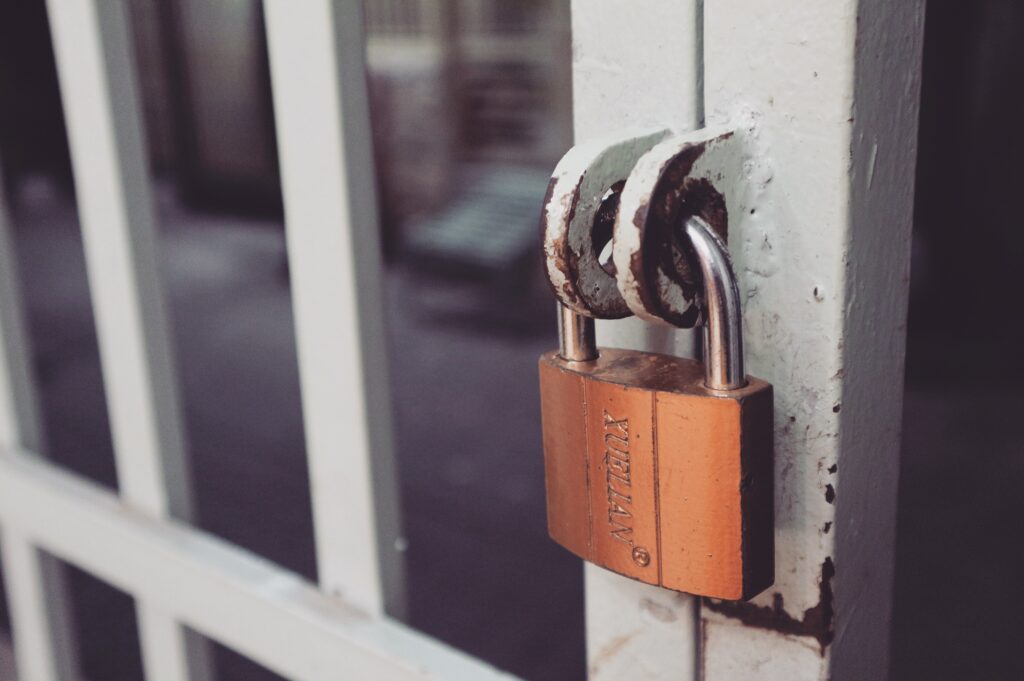
National Password Day
On May the 6th we are reminded not to use bad, predictable passwords that will often get guessed. Some people think that the most obvious password is the best as “the obvious is unobvious” but when we are talking digitally, it is best to get creative with letters, capitals, numbers and if applicable symbols. Long gone are the days of having a little black book of passwords.
Number passwords such as 1234, 0000 or 1111 are often the first to be figured out, other people try using their date of birth or birth year, 1978, 1983, 2000 and some try skipping a number so having 1235 but when it comes to numbers use something random that won’t be easily guessed.
When it comes to letters people try and use something memorable such as their mothers maiden name or a pet, anyone that knows you personally or does a bit of research may be able to find this information out. it pays to be sporadic with these again, think of something random, even mash the keyboard if you have to, just be sure to remember that once in a lifetime button mash.
Some of us in the office use a program called “LastPass” this program securely stores your passwords for you and even offers to create randomly generated ones too, you only have to remember the “master password” but again, keep it original!
Last Pass has free, premium and family versions for personal use and for businesses they offer multi-factor authentication, teams, enterprise and identity, all of these can be found on their website linked here -> 🔐
There are other password managers such as Keeper, DashLane, BitWarden and LogMeOnce, we just happen to have used LastPass and found it has worked well for us and as they say don’t fix it, if it isn’t broken.
If you would like any help with any aspects of Digital Marketing get in contact with our friendly admin team by clicking here.